

IMG Customization
Overview
- This page explains the IMG customization for restricting classification maintenance by authorization.
- Here you register, per Change Record type, the classes that are allowed. A user without the authorization object
/XCM/CRCLcan still assign, remove and change the classes registered here for the Change Record’s type. All other classes are reserved for users with/XCM/CRCL,ACTVT = 02. - The same list also decides which classes are offered in the class value help of the XCM Change Record Enterprise Search.
Configuration steps
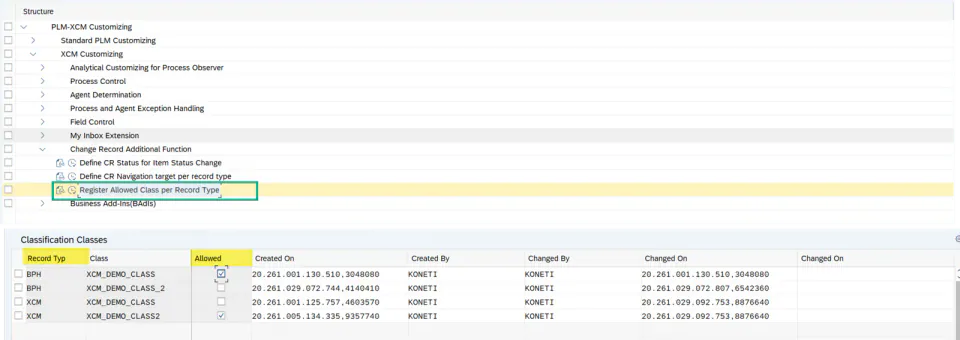
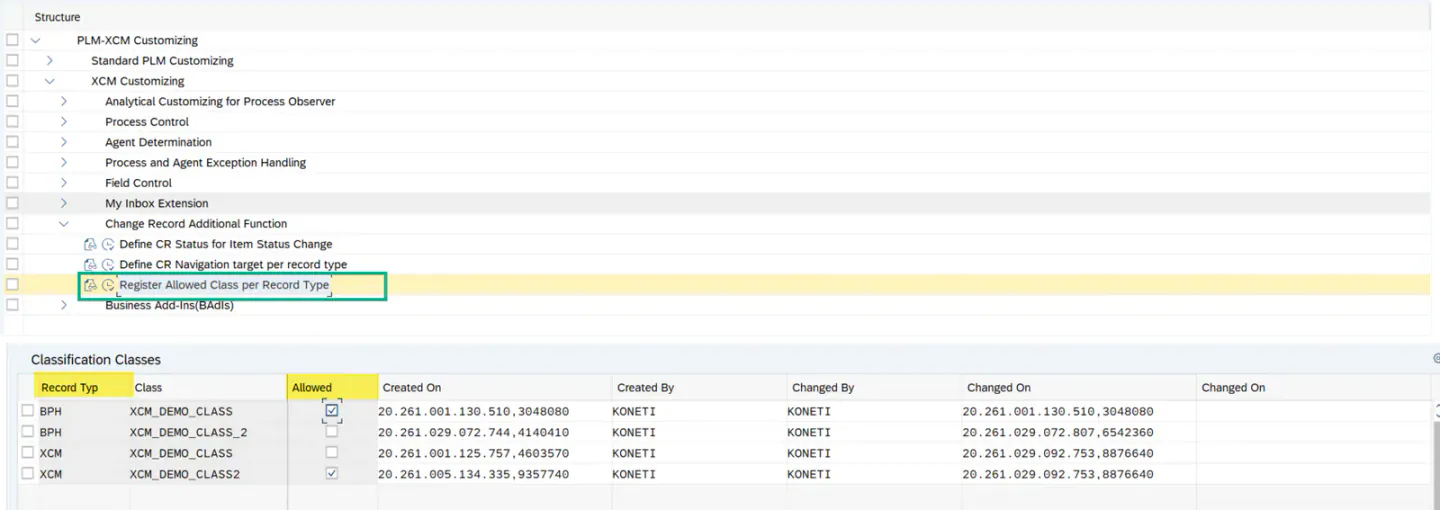
- Open the IMG path:
/n/XCM/CUS→ PLM-XCM Customizing → Standard PLM Customizing → XCM Customizing → Change Record Additional Function → Register Allowed Class per Record Type. - Switch to change mode and choose New Entries to add a row.
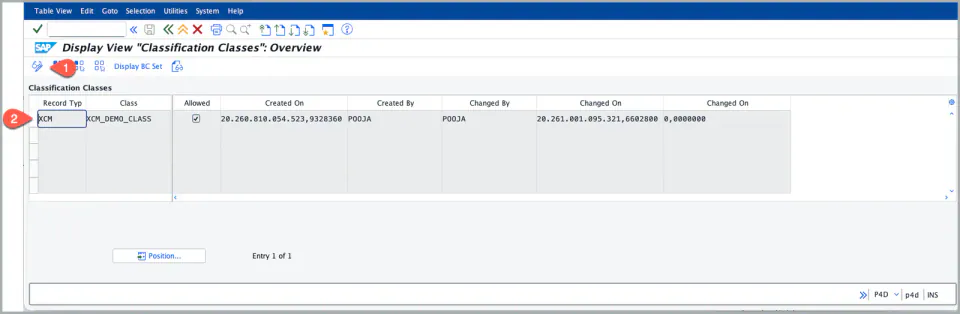
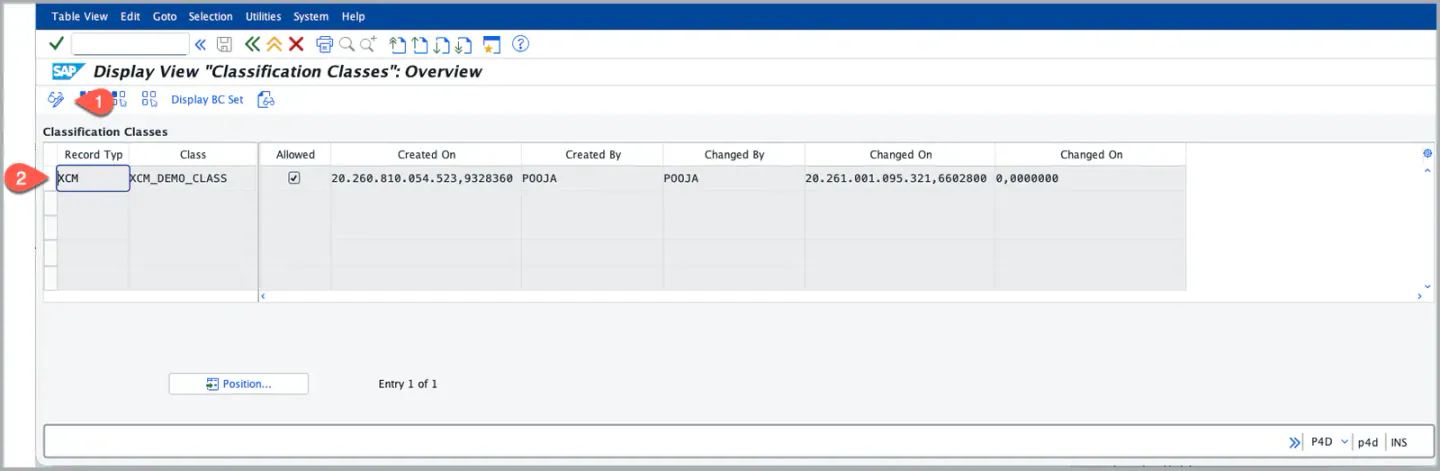
- Enter the Record Type (e.g. XCM) and the Class (e.g.
XCM_DEMO_CLASS) that users without the authorization object/XCM/CRCLmay maintain. You can add more than one allowed class for a record type. - Check the Allowed flag for that row. Rows without the flag are ignored.
- Save.
Effect on the Change Record
Only when the switch XCM_CLASSIFICATION_CONTROL is active and the Change Record type uses an active XCM process version:
- A user without
/XCM/CRCL(ACTVT = 02) can assign and remove only the allowed classes of the Change Record type, and change values only of characteristics that belong to an allowed class. - If no class is allowed for the record type, such a user cannot assign or remove any class.
- Anything else is refused with message C1 178.
When the switch is not active, this table is not used for maintenance and every user can maintain all classes.
Effect on the Enterprise Search
Only when the switch XCM_ESH_CLASSIFICATION_CONTROL is active, the class value help of the filter Characteristic Values offers a class only if:
- the class is registered here with Allowed for a Change Record type,
- the user has display authorization for that Change Record type (
/IAM/IAUTH,/IAM/I_ACT = 03), and - the user has
/XCM/CRCLwithACTVT = F4.
Important: a class that is not registered here stays out of the value help even for users with full authorization. If the class value help is empty, check this table first, then the authorizations.
When the switch is not active, all classes of class type 106 are offered in the search.
See Also
Set default characteristic values and restrict maintenance by authorization
BRF+ Customization
Enterprise Search for Change Record
Keywords
Classification classes, Allowed class, Authority Object, /XCM/CRCL, Enterprise Search
Prerequisites
- The switches
XCM_CLASSIFICATION_CONTROL(maintenance) andXCM_ESH_CLASSIFICATION_CONTROL(search) are set to the state you want. They are delivered with the BC set/XCM/PR_CUSTOMIZATIONS. - The classes to register exist with class type 106.