

IMG Customization
General Information
- This page provides details on the IMG customization for XCM Dynamic Field Control
- Additionally, it explains BRF+ application versioning, which enables customers to manage different field property rules for newly created change records while maintaining existing records under previous rules
- This ensures a smooth transition when updating business logic without affecting ongoing
Configuration steps
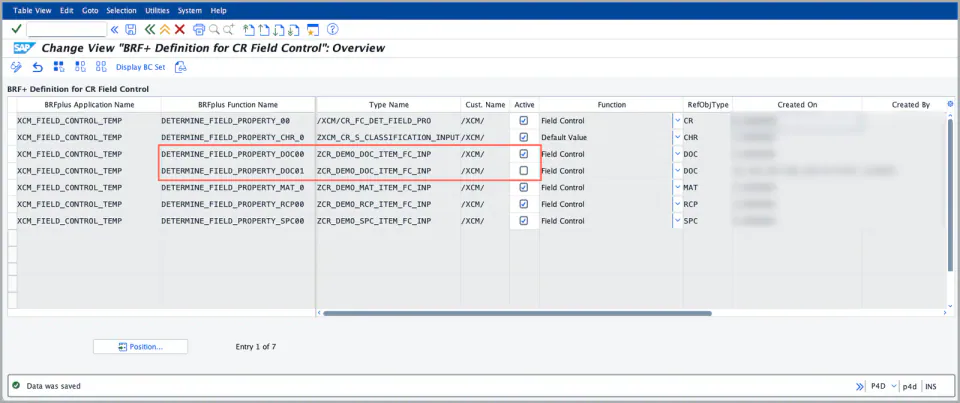
- Once the BRF+ decision table is generated, confirm it’s active at IMG path → XCM Customizing → Field Control → Determine Field Control Rules.
- If the version isn’t active, check the box to activate it.
- Note: You cannot generate a new version while another version is already active in table
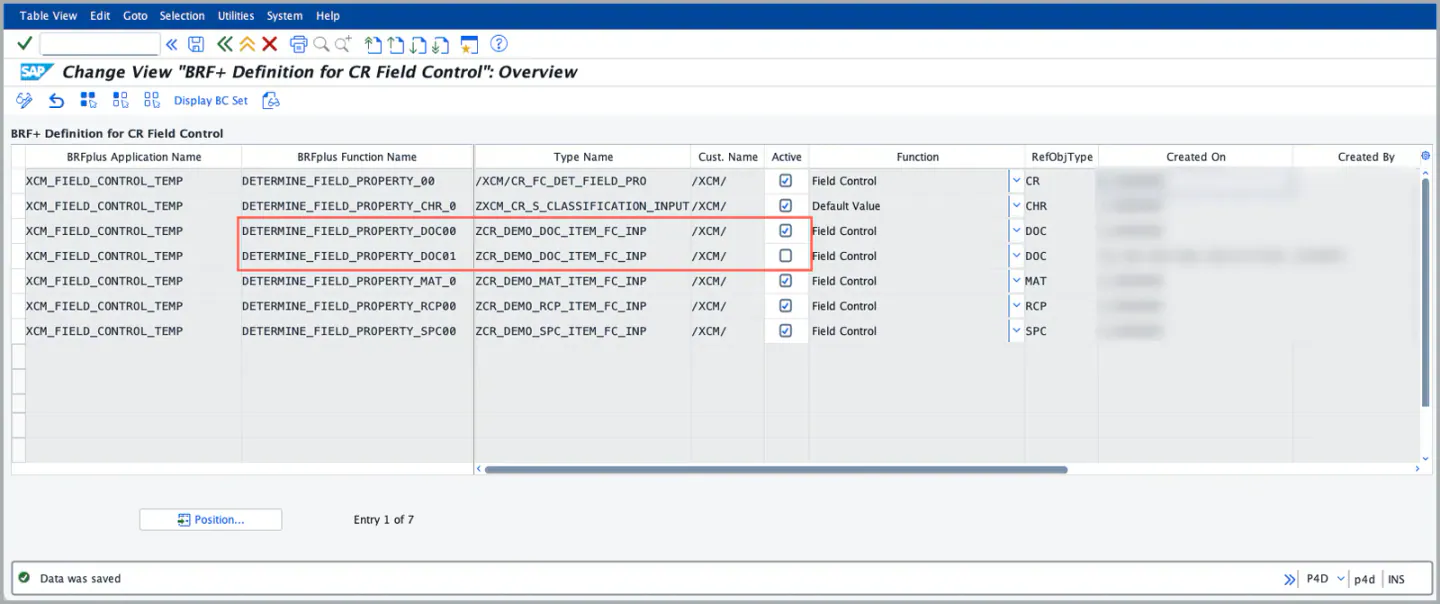
/XCM/CR_FC_BRF - The screenshot below shows where you activate or deactivate a version, and lists every BRF+ decision table generated so far.
- The line highlighted in Red describes that only one version can be active for item type.
See Also
BRF Customization
Dynamic Field Control - CR Item
Keywords
Active version, Field Control, BRF+ application
Prerequisites
- Before generating a new BRF+ application, ensure that no other BRF+ application is active. Once confirmed, proceed with the generation process.
- For step-by-step instructions, refer to: BRF Customization